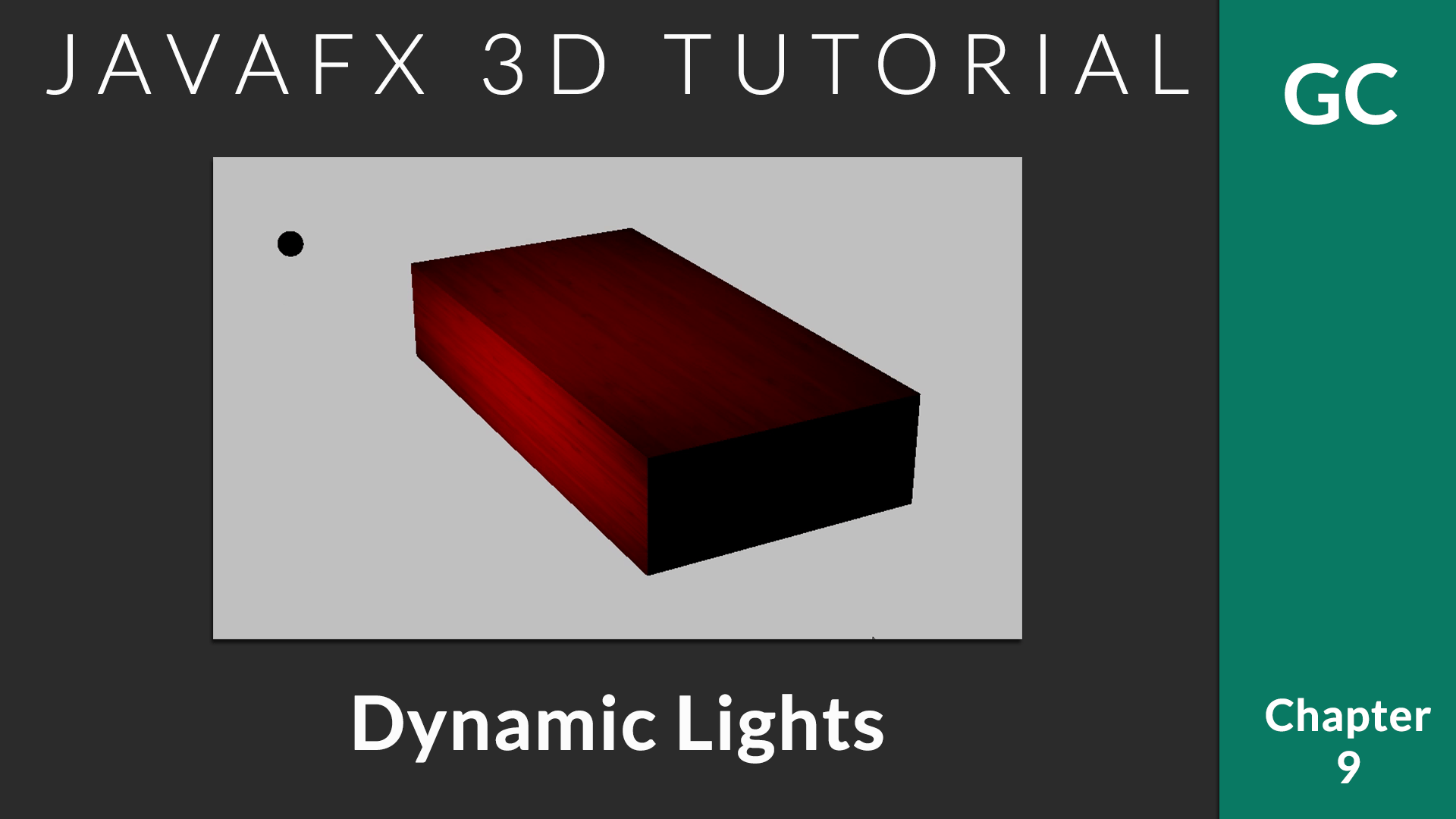
In the last chapter, we saw how to add lights to the 3D scene. In this chapter, we will see how a moving light works.
You can add as many lights as you need. To animate the light sources, you can use predefined animations from javafx.animation package like TranslateTransition, RotateTransition etc or custom animations can be applied. In this example, I will write a custom rotation animation to get the following effect.
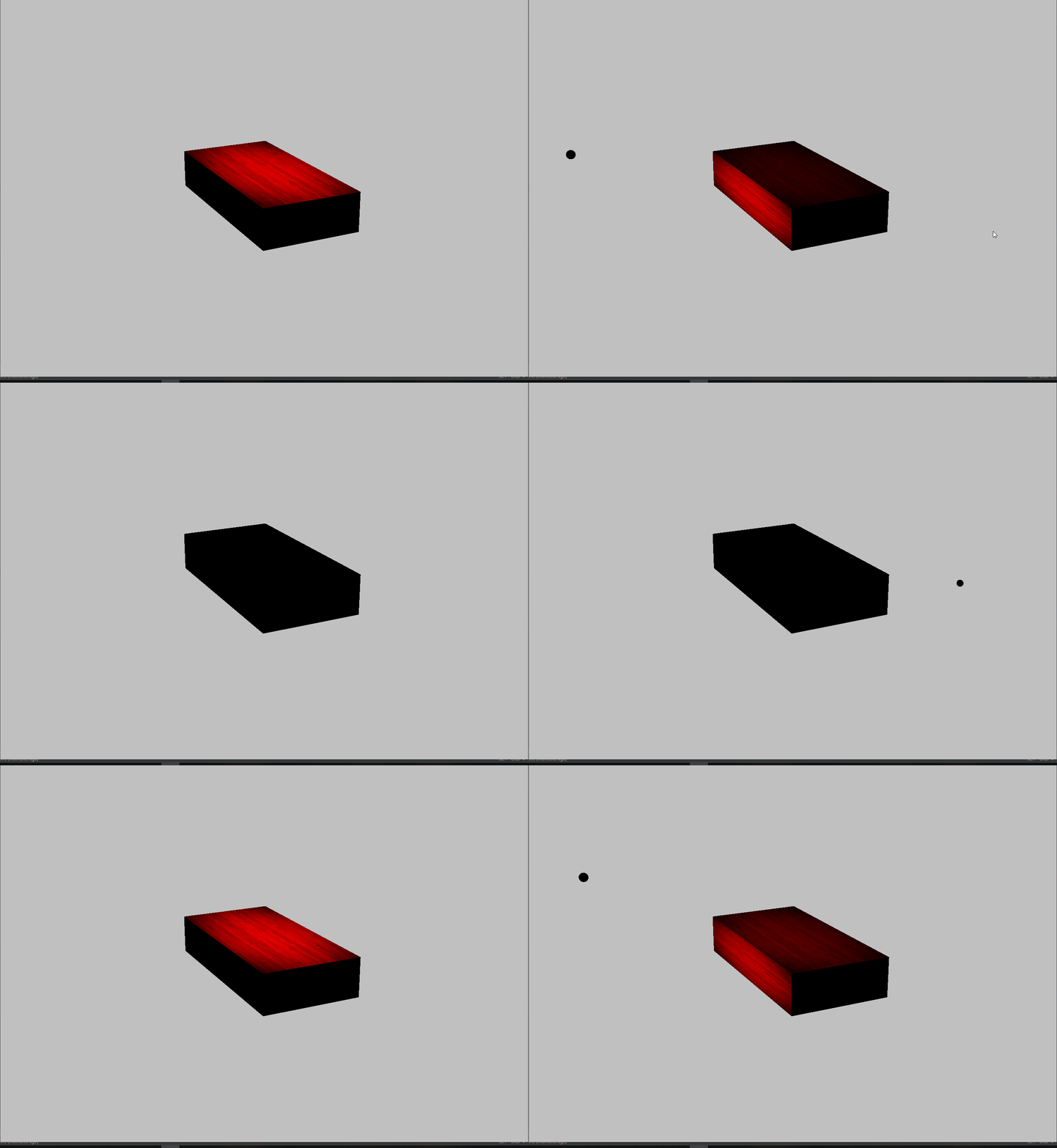
Moving Light Animation
We can create the rotation effect for the light source using rotateProperty. The important thing here is to specify the axis of rotation. We have the freedom to rotate the object in 360 degrees. In this example, I am rotating light source about X Axis.
AnimationTimer will be called during each frame rendered. We can update the transform properties of objects to create smooth animation. In this example, I have increased rotation angle of light source by 1 degree during each frame.
You can speedup the animation by increasing the value ‘1’ to a higher one. Animation speed can be reduced by reducing the value.
private Node[] prepareLightSource() {
    //Create point light
	pointLight.setColor(Color.RED);
	pointLight.getTransforms().add(new Translate(0, -50, 100));
	//Set axis of rotation
	pointLight.setRotationAxis(Rotate.X_AXIS);

	//Create a small sphere to locate the light source (Light source is invisible)
	Sphere sphere = new Sphere(2);
	//Attach sphere transforms to point light. So they move/rotate together
	sphere.getTransforms().setAll(pointLight.getTransforms());
	sphere.rotateProperty().bind(pointLight.rotateProperty());
	sphere.rotationAxisProperty().bind(pointLight.rotationAxisProperty());

	//Return lights
	return new Node[]{pointLight, sphere};
}

@Override
public void start(Stage primaryStage) {
	Box box = prepareBox();

	SmartGroup group = new SmartGroup();
	group.getChildren().add(box);
	//Add light and sphere
	group.getChildren().addAll(prepareLightSource());

	Camera camera = new PerspectiveCamera(true);
	camera.setNearClip(1);
	camera.setFarClip(1000);
	camera.translateZProperty().set(-200);

	Scene scene = new Scene(group, WIDTH, HEIGHT);
	scene.setFill(Color.SILVER);
	scene.setCamera(camera);

	group.translateXProperty().set(0);
	group.translateYProperty().set(0);
	group.translateZProperty().set(0);

	initMouseControl(group, scene, primaryStage);

	primaryStage.setTitle("Genuine Coder");
	primaryStage.setScene(scene);
	primaryStage.show();

	//Create animation timer
	AnimationTimer timer = new AnimationTimer() {
	  @Override
	  public void handle(long now) {
		//Increase rotation angle by 1 degree during each frame.
		pointLight.setRotate(pointLight.getRotate() + 1);
	  }
	};
	//Start animation automatically during startup
	timer.start();
}
Leave a Reply
You must be logged in to post a comment.