
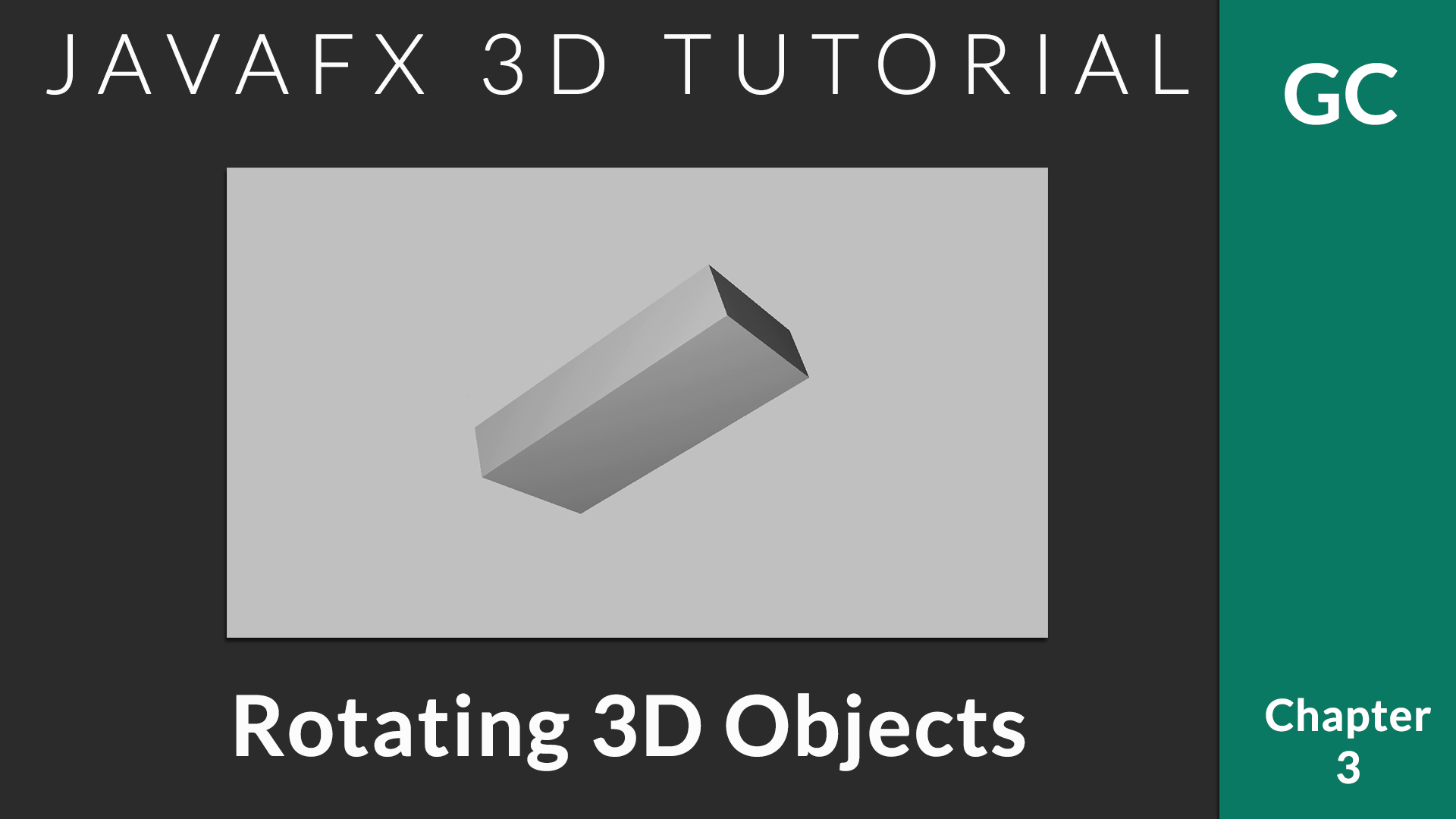
In this chapter, we will talk about applying transformation on the 3D objects. JavaFX provides following transforms
For now, we make use of Rotate transformation. All the transformations can be applied in a similar manner.

Applying Transforms
All JavaFX nodes have the method getTransforms() that will return an observable list of all the transforms applied on that. You can simple add a new transform by
 Transform whatever = new Transform();
 yourObject.getTransforms().add(whatever);
When applying transform, it is important that you take care of existing transformation. Let’s say, your object is currently rotated 30 degrees, when you rotate it again by 10, you have to add with 30.
This can be achieved using createConcatenation() method that combines two transformations.
Transformable Container
When we work on 3D programming, we will have to do the transformation regularly. The following class helps to do this in the easy way.
class SmartGroup extends Group {
    Rotate r;
    Transform t = new Rotate();

    void rotateByX(int ang) {
      r = new Rotate(ang, Rotate.X_AXIS);
      t = t.createConcatenation(r);
      this.getTransforms().clear();
      this.getTransforms().addAll(t);
    }

    void rotateByY(int ang) {
      r = new Rotate(ang, Rotate.Y_AXIS);
      t = t.createConcatenation(r);
      this.getTransforms().clear();
      this.getTransforms().addAll(t);
    }
  }
With this SmartGroup, you can separate the rotation logic. It also remembers previous rotation values.
With this, you can rotate an object or a set of objects (the whole container) as follows.
    SmartGroup group = new SmartGroup();
    //Add all the components
    group.getChildren().addAll(box, sphere);

    //Rotate by X - 10 degrees
    group.rotateByX(10);
    //Make it 20
   group.rotateByX(10);
Listen for Keyboard Inputs
You can register for keyboard press events using KeyEvent.KEY_PRESSED. We have to attach a keyboard listener to the stage itself so that all the key events can be tracked.
primaryStage.addEventHandler(KeyEvent.KEY_PRESSED, event -> {
   //Process according to the key pressed.
   switch (event.getCode()) {
   }
});
Working Example
import javafx.application.Application;
import javafx.scene.Camera;
import javafx.scene.Group;
import javafx.scene.PerspectiveCamera;
import javafx.scene.Scene;
import javafx.scene.input.KeyEvent;
import javafx.scene.paint.Color;
import javafx.scene.shape.Box;
import javafx.scene.transform.Rotate;
import javafx.scene.transform.Transform;
import javafx.stage.Stage;


/**
 * @author afsal villan
 * @version 1.0
 *
 * https://genuinecoder.com
 */
public class Rotation3D extends Application {

  private static final int WIDTH = 1400;
  private static final int HEIGHT = 800;

  @Override
  public void start(Stage primaryStage) {
    //Create box
    Box box = new Box(100, 20, 50);

    //Prepare transformable Group container
    SmartGroup group = new SmartGroup();
    group.getChildren().add(box);

    Camera camera = new PerspectiveCamera();
    Scene scene = new Scene(group, WIDTH, HEIGHT);
    scene.setFill(Color.SILVER);
    scene.setCamera(camera);

    //Move to center of the screen
    group.translateXProperty().set(WIDTH / 2);
    group.translateYProperty().set(HEIGHT / 2);
    group.translateZProperty().set(-1200);

    //Add keyboard control.
    primaryStage.addEventHandler(KeyEvent.KEY_PRESSED, event -> {
      switch (event.getCode()) {
        case W:
          group.translateZProperty().set(group.getTranslateZ() + 100);
          break;
        case S:
          group.translateZProperty().set(group.getTranslateZ() - 100);
          break;
        case Q:
          group.rotateByX(10);
          break;
        case E:
          group.rotateByX(-10);
          break;
        case NUMPAD6:
          group.rotateByY(10);
          break;
        case NUMPAD4:
          group.rotateByY(-10);
          break;
      }
    });

    primaryStage.setTitle("Genuine Coder");
    primaryStage.setScene(scene);
    primaryStage.show();
  }


  public static void main(String[] args) {
    launch(args);
  }

  class SmartGroup extends Group {

    Rotate r;
    Transform t = new Rotate();

    void rotateByX(int ang) {
      r = new Rotate(ang, Rotate.X_AXIS);
      t = t.createConcatenation(r);
      this.getTransforms().clear();
      this.getTransforms().addAll(t);
    }

    void rotateByY(int ang) {
      r = new Rotate(ang, Rotate.Y_AXIS);
      t = t.createConcatenation(r);
      this.getTransforms().clear();
      this.getTransforms().addAll(t);
    }
  }
}
Leave a Reply Cancel reply
You must be logged in to post a comment.